| Top Level: |
|
       |

| Peer Level: |
   |
|
|
Child Level:
 |
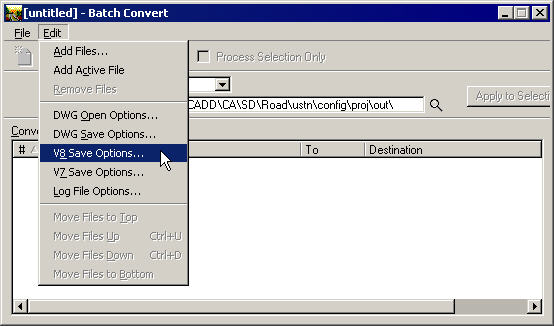
Batch TranslationGot one file you need to translate formats? See File Translation Got many files needing translation? Keep reading... The MicroStation Batch Convert utility is found under MicroStation>Utilities>Batch Convert. Help is found at MicroStation Help>Index>Batch Convert The primary reason we Translate files is to convert from our roadway configuration symbology to a client's, using a CSV Translation file.
Note: if you have a file with multiple formats (v7 unprefixed + bad CalTrans v7+ unprefixed) you'll need to run multiple batches.
|
|