| Top Level: |
|
       |

| Peer Level: |
           |
|
|
Child Level:
   |
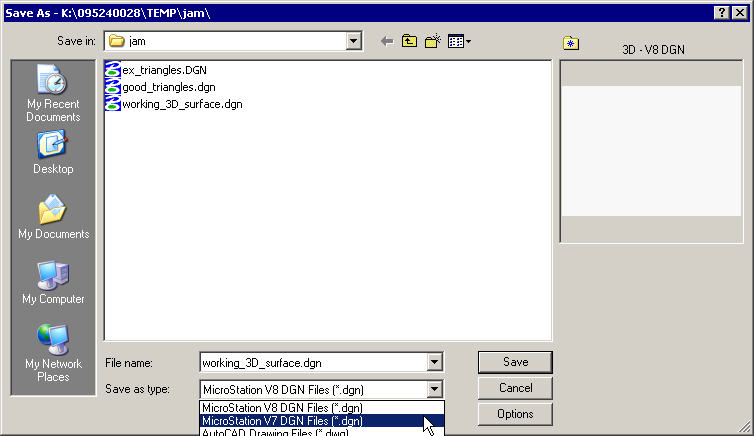
MicroStation: Translating FormatsSee MicroStation Help>Index CSVformat Also: Batch Translation MicroStation v8 UpconversionWhen saving a v7 file to v8, a converter file is used.
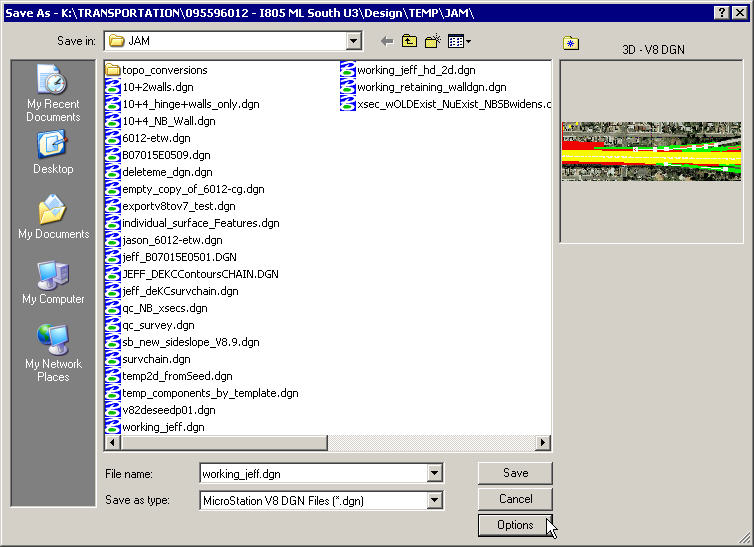
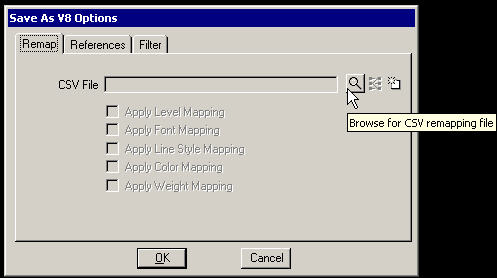
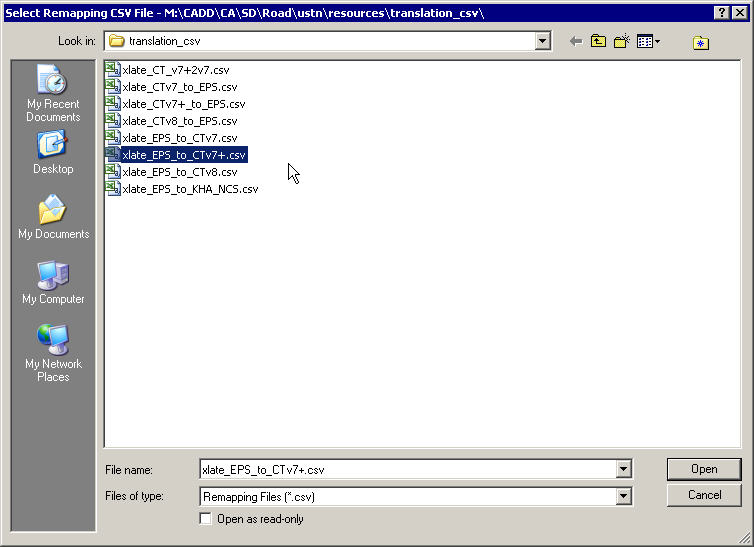
Within the CalTrans v7+ environment the file is m:/cadd/ca/sd/road/ustn/resources/tools/translation_csv/xlate_ct_v7+2v7.csv. this can be changed via the MS_V7TOV8_CSVNAME variable. Data TranslationWhen saving a v8 file to v7 or to a different v8 data "scheme" (think: level convention) you'll have to click on the Options button
which invokes the Save As V8 Options form. Clicking the Hourglass Icon opens the File Open dialog box.
Batching |
|