| Top Level: |
|
       |

| Peer Level: |
           |
|
|
Child Level:
 |
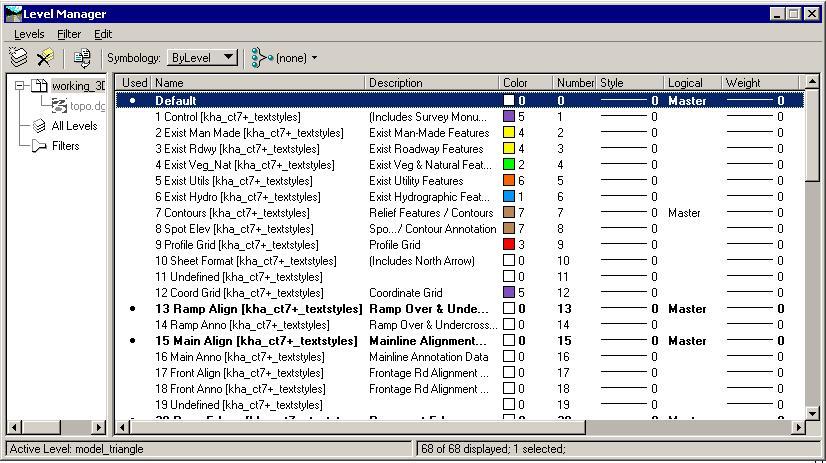
Level ManagerThe MicroStation v8 Level Manager is the primary interface for changing Level attributes.
Opens when Settings >
Level > Manager is chosen, the
Level Manager icon is clicked in the Primary Tools tool box, or when
the Active Level field is clicked in the Status Bar. (The Level Manager
icon is hidden by default in the Primary Tools tool box as delivered.)
By default, the Level Manager includes a list of models, levels, and filters on the left, and a detail section on the right. See the MicroStation Help "Level Manager dialog box" Topic for complete details. You cannot turn Levels on or off from the Level Manager. Level Display (Ctrl-E) does that.
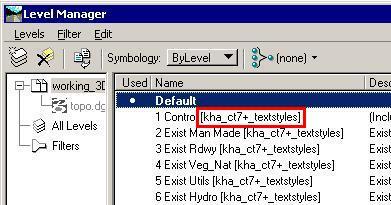
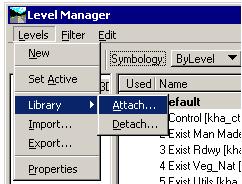
Level LibrariesLevel Libraries allow standard definitions of Levels and their properties. The KHA SD Roadway configuration automatically attaches a library for our standard levels. The CalTrans v7+ client configuration uses a "dgnlib" (a MicroStation v8 dgn file) which defines Levels and text styles based on. This library is always attached within that "MicroStation Client."
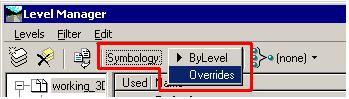
We've set up MicroStation to read the Level Library settings when a file is opened and reset the ByLevel settings if they had been changed. This allows you to change the ByLevel color for a couple of levels for some temporary purpose and have the software automatically reset them to CalTrans standards the next time you open the dgn file. Override settings are not currently automatically returned to standards; your Override changes remain. |
|