Top Level:

CalTrans v7+ Cells

KHA-SD Help Group Policy SD Config Client Management CAD Info & Help Projects Site Map

Peer Level: Up CalTrans Links CalTrans v7+ Cells Text Styles CT_Tools CT - SuperElevation

Child Level:
Up

CalTrans v7+ Cells

The CalTrans v7+ cell library is found at

M:/CADD/CA/SD/Client_Config_Raw/CT_v8_Imp/cell

Click-to-Insert Trick

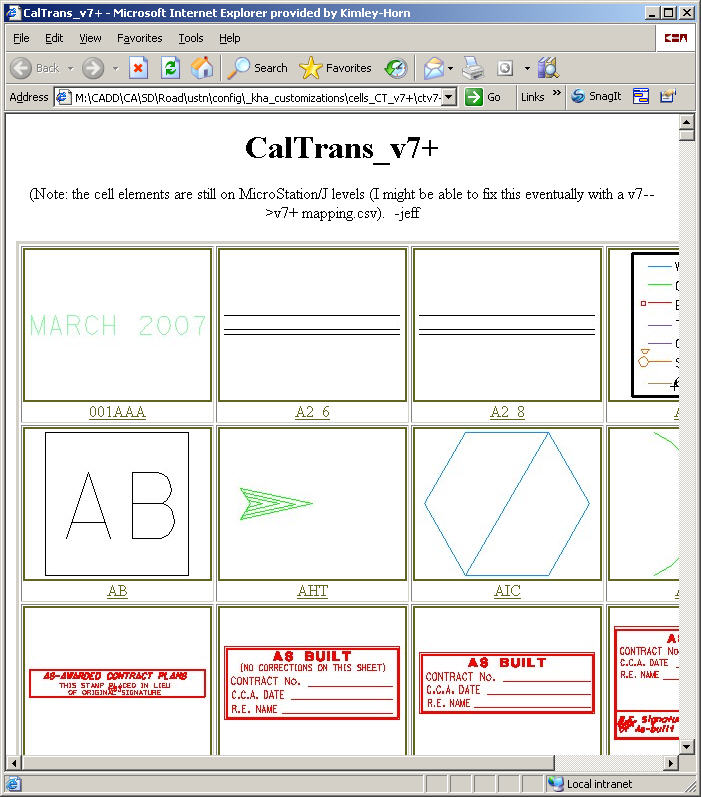
A Web-Based "Click to Insert" solution has been set up but it takes a little setup (because of a bug in MicroStation):

  1. Click Here: Cell Click to Insert
  2. Save this page as a Favorite in Internet Explorer.
  3. key in (or add a function key that says:) "browser connect".  This launches Internet Explorer.
  4. Now go to the Cell page (your recently-saved Favorite).
  5. Click on a cell image and it becomes the active cell (subject to active cell settings (scale, etc.).

This does not work from a browser launched from outside MicroStation.


Site Map       Contact Jeff Martin with comments/concerns.        KHA San Diego Transportation Group.                    this page last edited: 2008-01-17 16:26